Help Center › Getting started
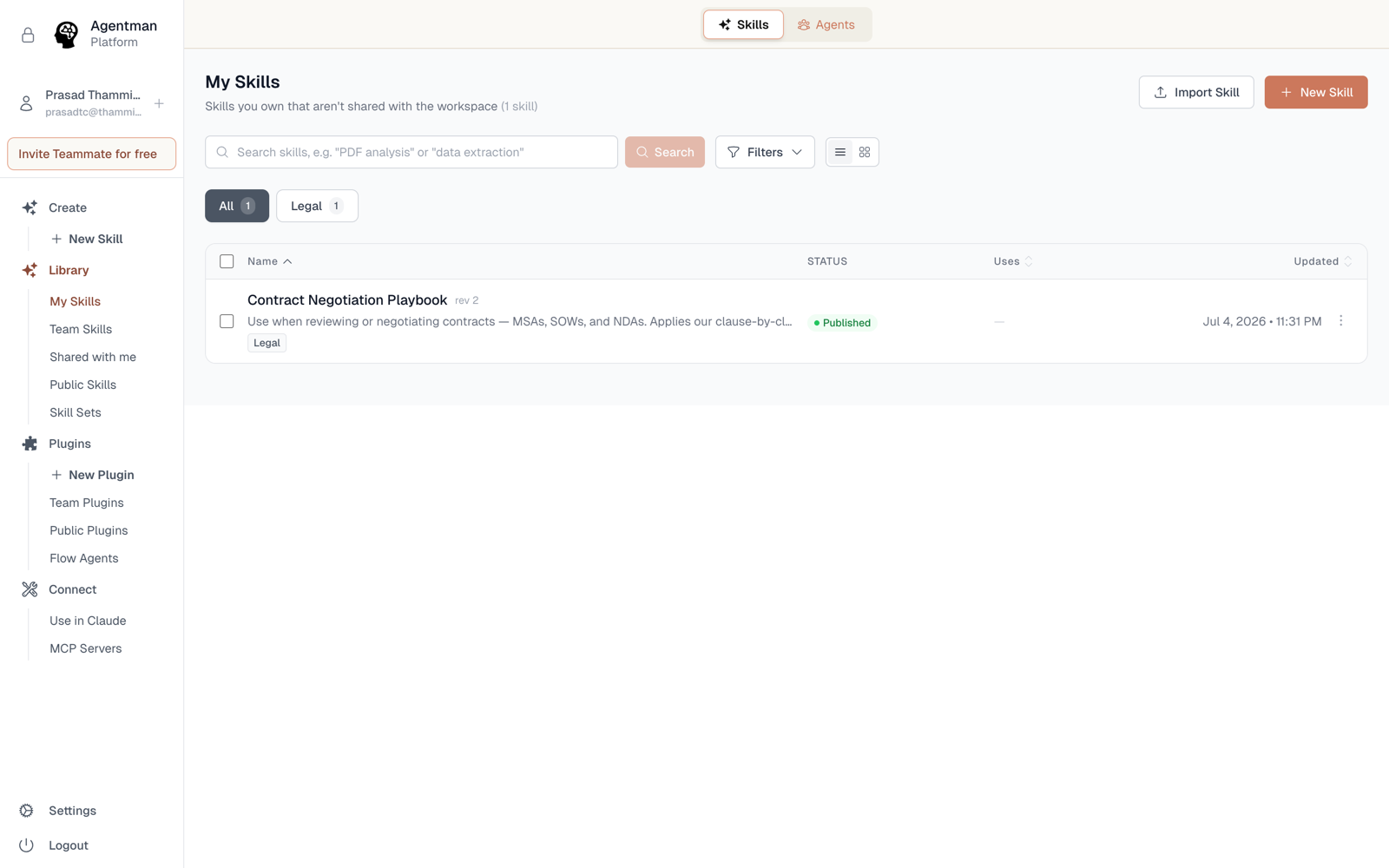
Import your Claude Skills into a team library
Availability: All plans. Packages up to 50 MB / 100 files.
You can import the skills you already built in Claude directly into your Agentman library. Claude Skills and Agent Skills use the same open SKILL.md format, so nothing gets converted or rewritten — the skill you import is the skill you wrote.
Import skill packages
- Export your skills from Claude. Each downloads as a
.skillor.zippackage. - In your Agentman skills library, open the Import dialog.
- Drag in one package — or many at once. Each file processes with its own status indicator, so a batch of fifty imports as easily as one.
- Choose the access for this import: private (just you) or shared with the workspace.
- Done. Imported skills land as drafts you can review, edit, and publish.
If an imported skill's name collides with one already in your library, you'll be offered the choice to create it as a new version of the existing skill instead of a duplicate.
Or ask Claude to move them
If you've connected Claude to your library, you can skip the download-and-drag entirely:
- Ask Claude to import a skill from a URL — for example, a GitHub release.
- Ask Claude to upload skill files directly into your library — uploads work in chunks, up to 50 MB per skill.
Describe what you want moved, and it moves.
Limits
- Package size: up to 50 MB and 100 files per skill.
- Imported skills count against your published-skill cap only when you publish them; drafts are unlimited.
Availability
All plans.