Key Facts
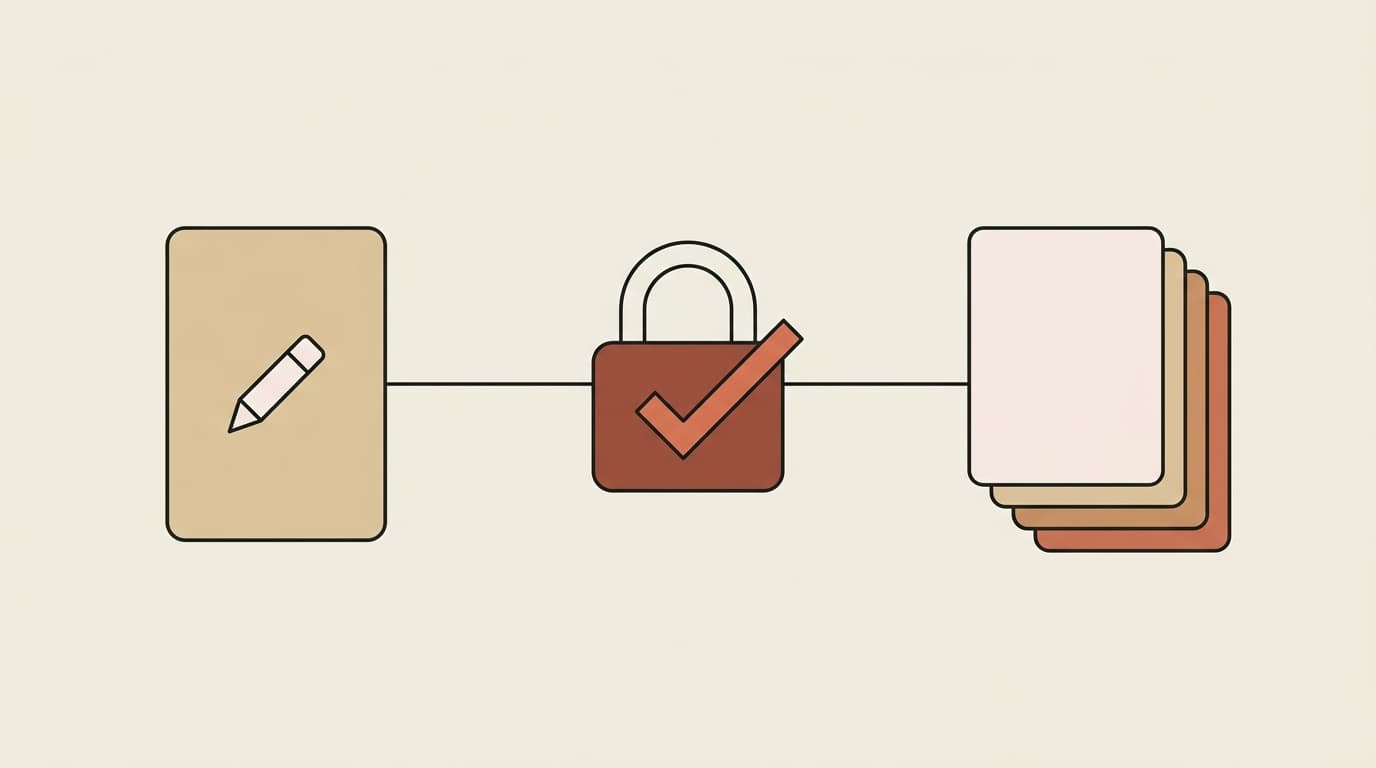
- Use-only is the strictest of four access levels (use / read / edit / admin). It lets someone run a skill and apply its output without ever seeing the instructions inside.
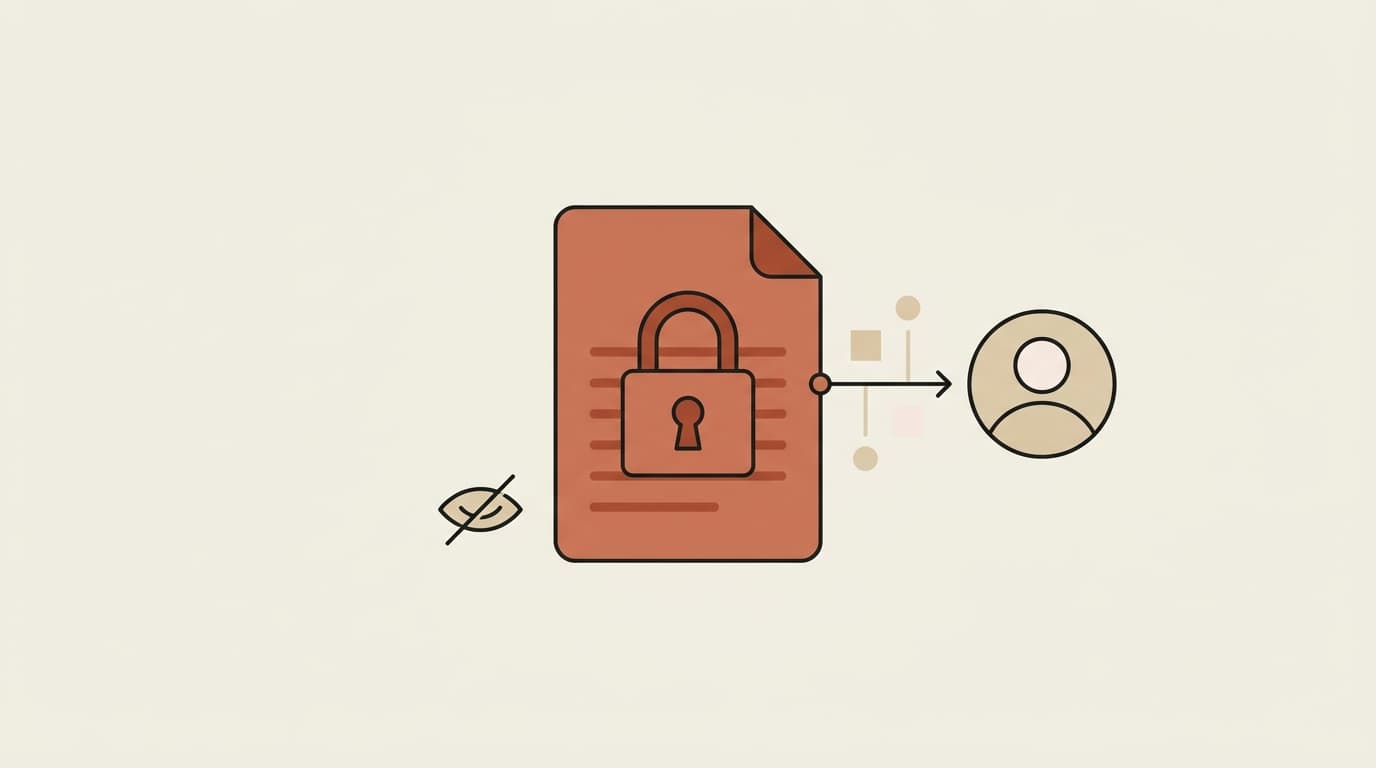
- The protection is real, not cosmetic: the skill body is redacted at the API layer — never sent to the client — so it can't be opened, copied, or forwarded.
- Every use is logged with the identity of who ran it, so "runnable but not readable" still comes with an accountability record.
- Use-only works across organizational boundaries — a client or co-investor in a different firm can run your skill without it leaving your control.
- It's available on all plans and works with a free Claude account once your library is connected.
The oldest problem in knowledge work is that sharing expertise and giving it away have always been the same act. Hand someone your pricing model, your negotiation playbook, or your diligence checklist so they can use it, and you've also handed them a copy to keep, edit, and walk out the door with. Every "shared" document is a copied document. Use-only access breaks that equivalence: it lets a teammate — or a client in another firm — run your skill and act on its output while the instructions inside stay invisible. That single change rewrites the economics of what expertise you're willing to share, and with whom.
Table of Contents
- What is use-only access?
- Why "shared" usually means "copied"
- How is use-only actually enforced?
- What does this unlock that wasn't possible before?
- Run-without-read, with a record
- How do you grant it?
- Related entities
- Frequently asked questions
- Key takeaways
What Is Use-Only Access?
Use-only is the most restrictive of the four access levels you can grant on a skill — below use sits nothing; above it are read, edit, and admin. Someone with use-only access can invoke the skill and apply what it produces, but cannot open it, read its instructions, or export it. They get the value of your expertise without a copy of it.
It's built for a specific and common situation: the skill is the IP. A negotiation playbook's value is the positions encoded in it. A pricing model's value is the logic. A diligence checklist's value is the specific things it looks for. For those, "shared and readable" isn't a convenience — it's the whole asset, given away. Use-only is the answer to "I want my team (or my client) to use this, but not to have it."
Why "Shared" Usually Means "Copied"
Think about how you share expertise today. You send a document, a spreadsheet, a Notion page, a prompt. The moment it lands, the recipient can read every word, copy it, paste it, forward it, and modify it. There is no version of "here, use this" that isn't also "here, keep this."
This is why the best playbooks stay locked in a few people's heads and a few protected files. The expert who spent years refining a screening method is rationally reluctant to hand it out — because handing it out is indistinguishable from publishing it. The result is an organization where the most valuable know-how is the least shared, precisely because sharing it means losing control of it.
Even the newer answer — sharing skills through a team library — doesn't automatically solve this. If "shared" means the recipient can open and read the skill, you're back to the same trade-off, just in a nicer interface. The distinction that matters isn't whether you can share; it's whether you can share use without read.
How Is Use-Only Actually Enforced?
This is where the difference between a real control and a UI suggestion lives. Use-only isn't "we hide the edit button." The skill's instructions are redacted at the API layer — when a use-only user's client requests the skill, the server never sends the body. There's nothing in the browser to inspect, nothing in the network response to copy, nothing to reveal with developer tools. The instructions execute server-side; only the output comes back.
That's the property that makes it trustworthy enough to use across a boundary you don't control. A read-restriction enforced only in the interface is a speed bump. A body that never leaves the server is a wall. See the technical detail on the use-only security page for how the redaction and logging work.
What Does This Unlock That Wasn't Possible Before?
Once "use without read" is enforceable, categories of sharing that were previously reckless become routine:
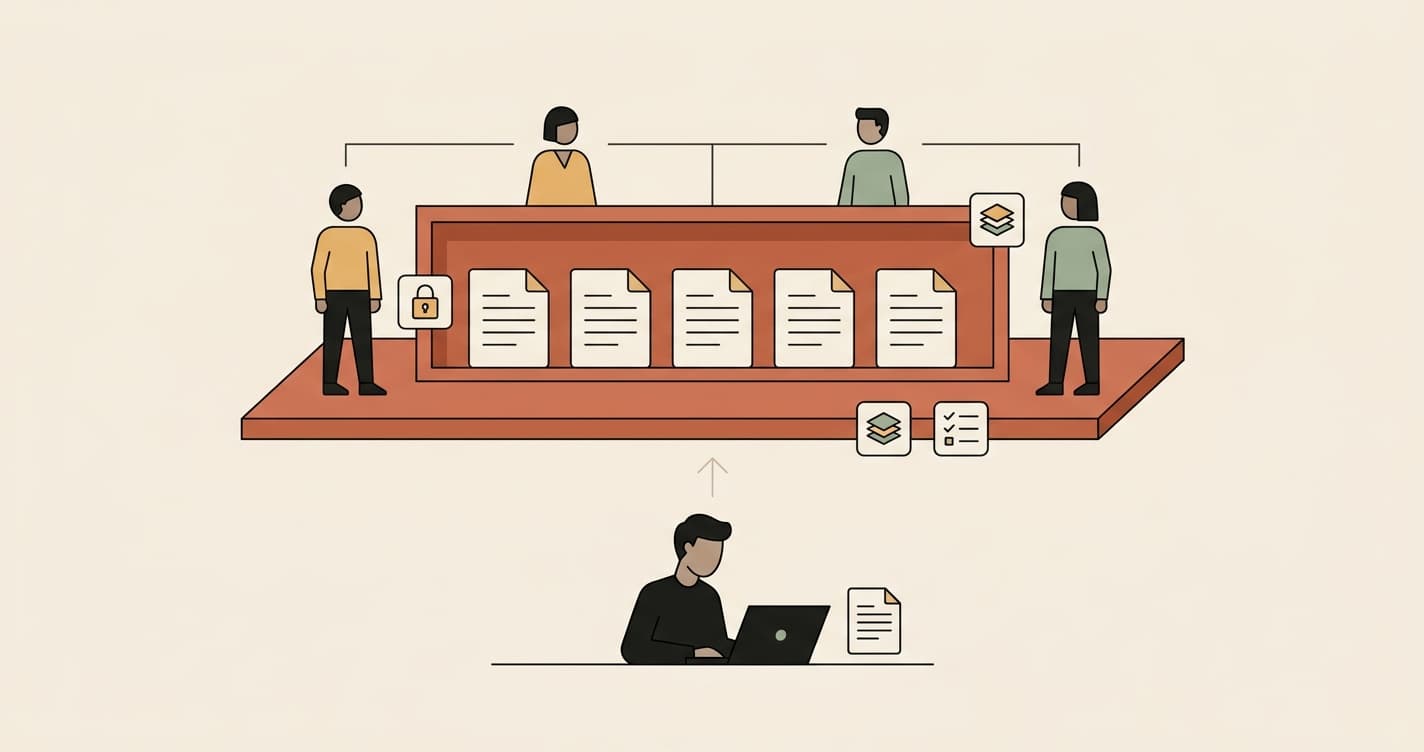
- Sales runs legal's playbook. The deal desk negotiates standard terms from counsel's approved positions — invoking the negotiation playbook mid-deal — without ever holding a copy of the firm's fallbacks and red lines. Legal keeps edit control; sales gets the answers.
- A PE firm shares a screen with a co-investor. An external partner's analysts run the deal-screening skill against a target without seeing the thesis criteria encoded inside it. The screen travels; the strategy doesn't.
- An agency uses your brand voice. Freelancers and outside agencies produce on-brand content by running your voice skill, without walking away with the messaging playbook that defines it.
- A consultant productizes a method. The methodology that is the business gets delivered to clients as something they can run, not something they can reverse-engineer and stop paying for.
In each case, the old choice was binary: keep it locked (and don't get leverage from it) or hand it over (and lose it). Use-only adds the option that was always missing — deploy it widely, keep it yours.
Run-Without-Read, With a Record
Use-only isn't only about protection; it's about accountability. Every time a use-only skill is invoked, the activity log records who ran it, and when. So the owner gets both halves of what governance actually requires: the instructions stay confidential, and there's a record of use.
That combination is what a compliance-minded team needs and what most sharing mechanisms don't provide. Sharing a document tells you who you sent it to, never who used it. Use-only inverts that — the content is protected and the usage is visible. For a workspace-wide view, the access log lets an admin see share and use events across every skill, filterable by skill, user, or event type.
The principle underneath: govern the know-how, not just the data. Access controls have always protected files and records. Use-only extends the same discipline to the expertise itself.
How Do You Grant It?
It's three clicks, on any plan:
- Open the skill and click Share.
- Add a teammate by name or email — or set General access for the whole workspace.
- Choose Use as the access level and confirm.
That's it — the recipient can now run the skill from Claude, ChatGPT, Cursor, or an Agentman agent once your library is connected, and the body stays redacted for them. Full walkthrough: share a skill without revealing what's inside. For sharing across a client or firm boundary, run a separate workspace per client — each with its own permissions and logs.
Related Entities
Use-only access lives in Agentman's Agent Skills governance layer, alongside the four access levels (use / read / edit / admin), the per-skill activity log, the workspace access log, and version history. It sits on the open SKILL.md format popularized as Claude Skills. The IP-protection use cases connect to negotiation playbooks, deal screening, brand voice, and consulting methodologies — any skill whose value is its contents. For the mechanism, see the use-only security page; for the workflow, the use-only help article.
Frequently Asked Questions
Can a use-only user really not see the instructions?
No, they can't — and not because a button is hidden. The skill body is redacted at the API layer, so the instructions are never sent to the user's client at all. There's nothing in the browser, the network response, or developer tools to reveal. The skill executes server-side and only its output returns.
Does use-only work with people outside my organization?
Yes. That's one of its main purposes — a client, co-investor, or outside agency can run your skill without it leaving your control. For a hard confidentiality boundary, run a separate workspace per client, each with its own permissions and logs, and share the skill use-only within it.
Is there a record of who used a use-only skill?
Yes. Every invocation is logged with the identity of who ran it and when, visible in the per-skill activity log, and share/use events roll up into the workspace access log. Use-only gives you confidentiality of the contents and visibility of the usage.
What's the difference between use-only and just not sharing edit access?
Read access still lets someone open and copy the instructions — they just can't change them. Use-only removes read entirely: the person can run the skill but never see what's inside. If the skill's value is its contents, that's the difference between protected and exposed.
Key Takeaways
- Every shared document is a copied document — use-only breaks that equivalence by allowing run without read.
- The protection is enforced at the API layer (the body is never sent to the client), not in the UI — which is what makes it safe to use across boundaries you don't control.
- It unlocks sharing that was previously reckless: sales running legal's playbook, a co-investor running your screen, an agency using your voice — deployed widely, still yours.
- Every use is logged with who ran it, so you get confidentiality of the contents and accountability of the usage together.
- Available on all plans, three clicks to grant, and it works from Claude once your library is connected.
Share the skill, not the secret. Take your most valuable playbook — the one you'd never send as a document — and share it use-only. Your team runs it; you keep it.