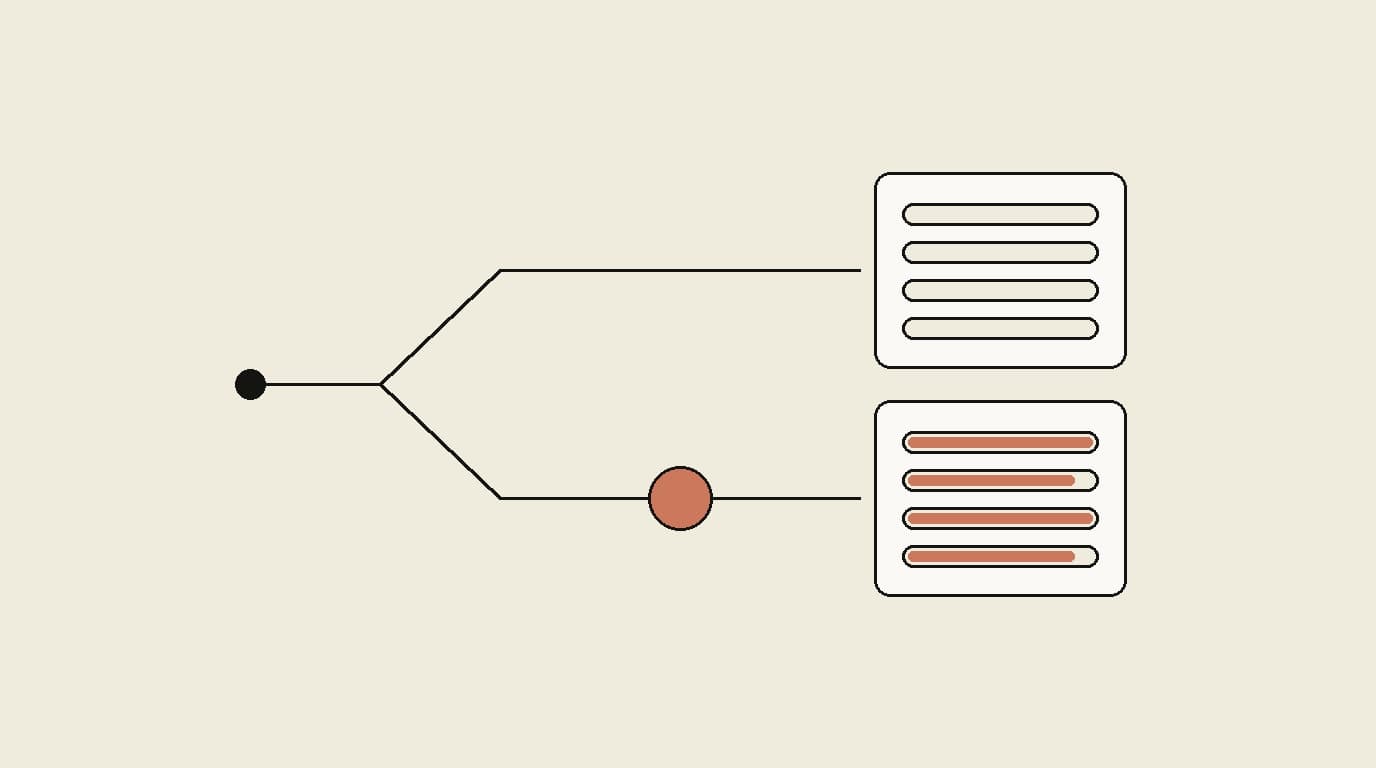
Start with one workflow. Prove it works. Then expand.
That advice is right, we still give it, and nothing below contradicts it. The trap is somewhere else: most practices choose their first agent without asking what the second one will cost.
The short answer
Deploying one workflow at a time is a sequencing decision. Choosing who you buy from is a platform decision. They get made at the same moment, which is why the second one often gets made by accident.
If your first agent comes from a vendor that only sells that one thing, expansion means a second procurement, a second security review, a second EHR integration — and a permanent seam between two systems that were never built to share context. Do that twice more and your staff are the integration layer.
The analogy that makes it concrete
Imagine outsourcing the work of five staff members to five different agencies.
Each agency is competent. Each does its piece well. But the eligibility agency doesn't tell the prior auth agency what it found. The phone agency has no idea what arrived by fax this morning. The denial agency can't tell the eligibility agency what it keeps getting wrong.
So you hire a sixth person to coordinate the five agencies. Except you don't hire them — that work quietly lands on your office manager, who now spends their day moving information between systems that don't talk.
That coordination job is the real cost, and it never appears on any invoice.
Where the seams actually are
This isn't abstract. Back-office workflows are connected by specific facts that have to travel between them:
| The handoff | What travels | What happens if it can't |
|---|---|---|
| Eligibility → Prior auth | This plan requires PA for this procedure | Someone reads the eligibility result and re-enters it into another system |
| Eligibility → Denials | Coverage detail that will cause a denial | The denial arrives weeks later and nobody connects it to the check |
| Denials → Eligibility | The pattern behind repeat denials | The same preventable denial recurs indefinitely |
| Inbox → Voice | A fax arrived about this patient today | The patient calls and hears "I don't see anything about that" |
| Coding → Denials | Which codes are getting rejected | Coding keeps producing claims that will be denied |
Each row is a place where a person becomes the wire between two products. And these are exactly the connections that make automation compound rather than just add.
We saw this directly at Valley Diabetes: going from one agent to two didn't double the impact, it multiplied it — capacity freed from eligibility went into inbox work, and complete eligibility checks drove 65% fewer eligibility and prior-auth-related denials. That denial reduction is a cross-workflow effect. An eligibility product that couldn't see denial outcomes could not have produced it.
That number is one practice over 12 weeks, and the savings figure attached to it is a projection. It's evidence, not proof — the same standard we ask you to apply to any vendor, including us.
What we are not going to claim
You'll see integration pitched with a multiplier — 5x the value, 10x the ROI. We're not going to give you one, because we can't defend it.
We've published a whole post arguing that a percentage without a denominator is a marketing number, and that a vendor quoting a single precise figure across every practice is quoting a best case. Leading this page with "5x" would fail our own test on the first read.
What we can say is specific and checkable: the handoffs above are real, they exist in your practice today, and someone is doing them by hand. Count how many times a week your staff move information between two systems. That number is yours, not ours, and it's the one that matters.
The honest case for buying separately
Best-of-breed is a real strategy, and sometimes it's right.
- One workflow dominates everything else. If 80% of your pain is the phone and a voice specialist is clearly stronger there, buy the specialist. Solve the big problem first.
- A workflow is genuinely isolated. Some work doesn't feed anything else. There's little cost to it living somewhere separate.
- You already own a system that works. Rip-and-replace has its own cost. An agent that fits alongside what you have may beat a migration.
- The integrated option is weak where it matters most. Breadth is worthless if the agent you need most is the one they do badly. Ask for the specific workflow, not the platform tour.
The tradeoff shifts with each workflow you add. At one agent, integration is worth roughly nothing. At two, the first handoff appears. By four, coordination is somebody's part-time job.
What this means for your first purchase
You don't have to buy everything at once — you shouldn't. But ask the expansion questions before the first purchase, when you still have leverage and no switching cost:
- What else do you run? If the answer is one agent, your second purchase starts from zero.
- If eligibility finds a plan needs prior auth, does the PA workflow see it automatically — or does a person retype it?
- When a denial arrives, does anything feed back into how future checks run?
- Can the voice agent see what came in by fax this morning?
- What does adding a second workflow cost me — a new contract, a new integration, a new security review?
A single-product vendor will answer questions 2 through 4 with "we integrate via API." That's not wrong, but understand what it means: the integration is real work, and it is yours.
What we run, and what you can actually buy today
Being precise about this matters, because a breadth argument collapses if the breadth isn't real.
Available self-serve, with published rates:
| Agent | What it does | Price |
|---|---|---|
| Eligibility | EDI verification with copay and deductible extraction | From $0.50/check |
| Inbox Triage | Routes faxes, voicemails, and portal messages | From $225/provider/mo |
| Prior Authorization | PA submission, tracking, and follow-up | $10–$25/submission |
| AI Receptionist | Answers patient calls, 24/7, and marks each callback by urgency | Free to start; paid plans from $29.99/mo |
In beta with design partners, not self-serve: denial recovery, claims coding, and claims submission. Prescription refill requests are handled inside inbox triage.
That distinction is deliberate. "We have seven agents" would be true and misleading; four are live with a five-minute signup and three are in beta and require a conversation.
Frequently Asked Questions
Should I buy all my AI agents from one vendor?
Not necessarily at the start, but you should choose your first vendor knowing what your second purchase will look like. Starting with one workflow is still the right approach — it proves value before you commit further. The mistake is picking a first agent from a vendor that only sells that one thing, because the expansion decision then costs you a second procurement, a second integration, and a permanent handoff between two systems that were never designed to talk.
What actually breaks when agents come from different vendors?
The handoffs. An eligibility check that discovers a plan requires prior authorization has to reach the prior auth workflow; if those are separate products, a human moves that information. A denial that traces back to a missed eligibility detail cannot automatically inform the eligibility agent. A patient call about a referral has no view of the fax that arrived that morning. Each seam is a place where context is lost and a staff member becomes the integration layer.
Isn't it better to buy the best product for each workflow?
It is a real tradeoff, and for some practices best-of-breed wins. If one workflow dominates your pain and a specialist vendor is clearly stronger at it, buy that. The calculation changes when you automate a second and third workflow, because the value of connected context grows with each one while the coordination cost grows too. Best-of-breed makes most sense when a workflow is genuinely isolated from the others.
How much does it cost to add a second vendor?
More than the license. Each additional vendor means a separate evaluation, a separate security and HIPAA review, a separate EHR integration, a separate support relationship, separate invoices, and separate staff training. Then there is the ongoing cost that has no line item: someone in your practice becomes responsible for moving information between systems that do not share it.
What should I ask a vendor before buying my first agent?
Ask what else they run, and how their agents share context. Specifically: if the eligibility agent finds that a plan requires prior authorization, does the prior auth workflow see it automatically? If a denial arrives, does anything feed back into how future checks are run? Can the voice agent see what arrived by fax this morning? A vendor with one product will answer these in terms of integrations and APIs, which means your staff or your IT budget closes the gap.
Does starting with one workflow still make sense?
Yes, and we would give the same advice today. Deploy one agent, measure it against a baseline you recorded beforehand, and expand only after it works. The practices that try to automate everything at once run into change management resistance. Starting narrow is about sequencing your deployment, not about limiting who you buy from — those are two different decisions that are easy to confuse.
What is an integrated agentic back office?
A set of agents covering different back-office workflows that share context and hand work to each other without a person in between. Eligibility findings inform prior authorization. Denial patterns inform future eligibility checks. Inbound faxes, voicemails, and portal messages route into the same queues the other agents work from. The distinguishing feature is not breadth of features but whether the agents can see each other's work.
What to do next
Start with one workflow. That part hasn't changed.
But before you sign, ask the five questions above. If the vendor sells one agent, you now know what your second purchase costs — and you can decide that with open eyes rather than discovering it a year from now.
Our rates are published and eligibility starts self-serve at $0.50 a check, no demo. If you want to see how the handoffs work before committing to anything, the comparison hub lays out the options for each workflow, including the ones where we recommend something other than us.