Every nurse in the infusion suite? The newly diagnosed caller still gets an answer.
New referrals, infusion times, lab draws, scan dates and refill requests all come in on the same line. Medman’s AI receptionist answers each call on your number, writes down the referral, the treatment date or the deadline the caller mentions, and, with your EHR connected, books the visit on the call. Your team reviews the write-ups and calls back the urgent ones first.
Free to start, no card needed · Nothing changes on your current number until you forward it
- Labs not drawn before tomorrow’s infusion is marked Urgent; a parking question is Low
- It never assesses a symptom or a side effect
- Part of Medman, so coverage questions go to the eligibility agent

Every chair full, the phones ringing. Every caller still gets an answer.
Four calls an oncology front desk gets every week, and what happens to each one when nobody can pick up.
 New patient
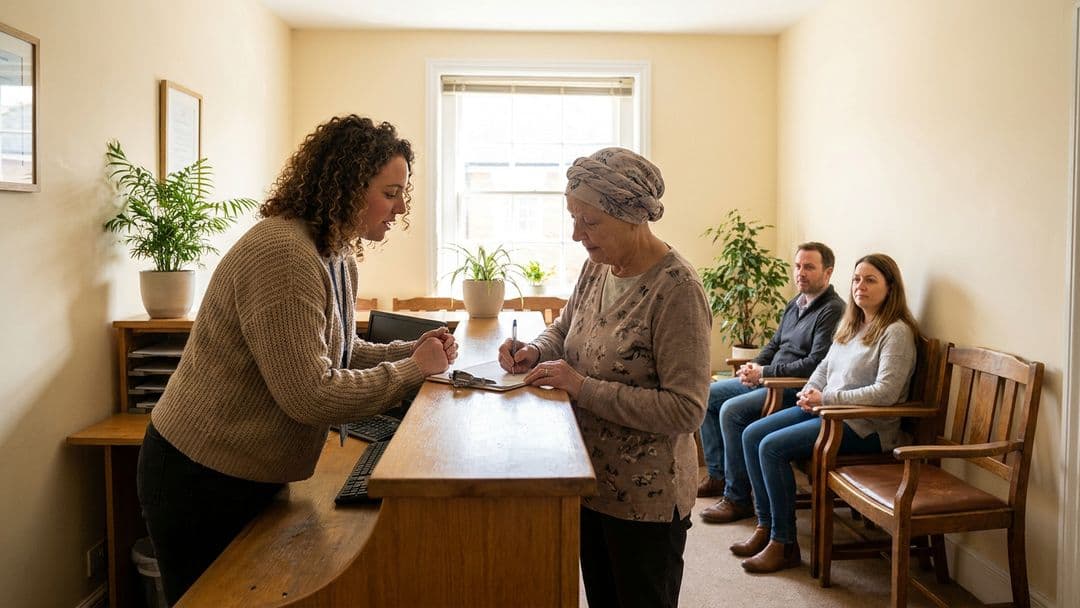
“I was just diagnosed, and my surgeon said to call you”
- What happens
- Monday morning, the infusion nurses are with patients and the front desk is checking in a full waiting room when a newly diagnosed caller asks for a first visit.
- When nobody answers
- She gets voicemail on one of the hardest days of her life, and calls the next practice on her referral list.
- With Medman
- Medman takes the referral, her surgeon’s name and her questions, and, with your EHR connected, books the new-patient consult on the call. Your coordinator starts with the details already written up.
- What it never does
- Discusses a diagnosis, a treatment or what to expect.
 Existing patient
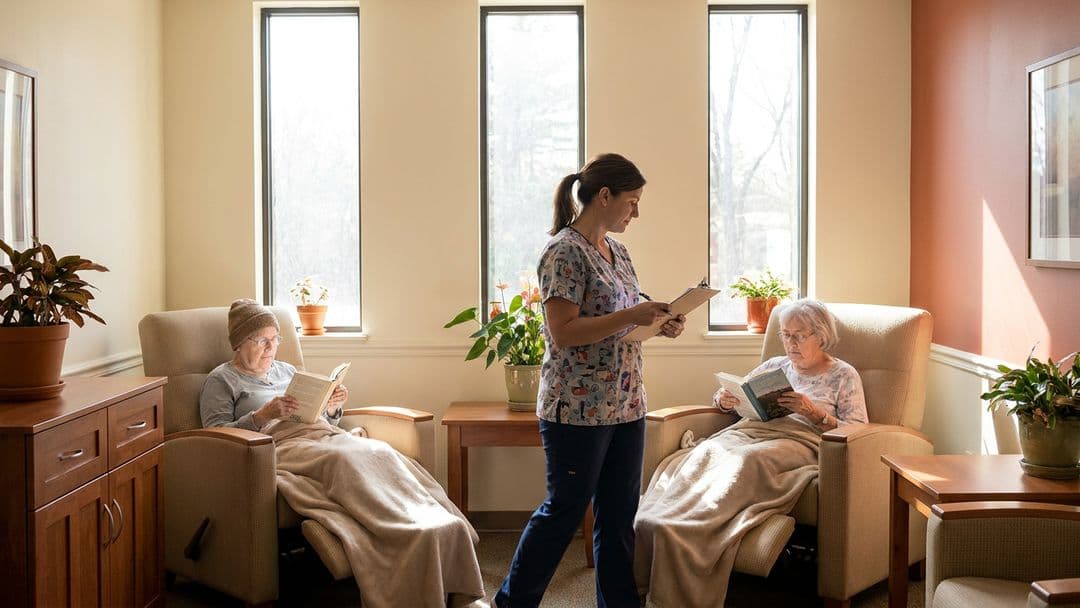
“Can I move my scan to next week?”
- What happens
- Lab draws, scan dates and follow-up visits get moved all day, while the staff who know the schedule are in the infusion suite.
- When nobody answers
- Patients call back twice, scans slip, and the nurses spend lunch returning voicemails.
- With Medman
- Lab draws, scans and follow-ups are booked or moved in your EHR on the call, and anything about the treatment itself is written up for your nurses.
- What it never does
- Gives preparation instructions or says whether a treatment can move.
 Existing patient
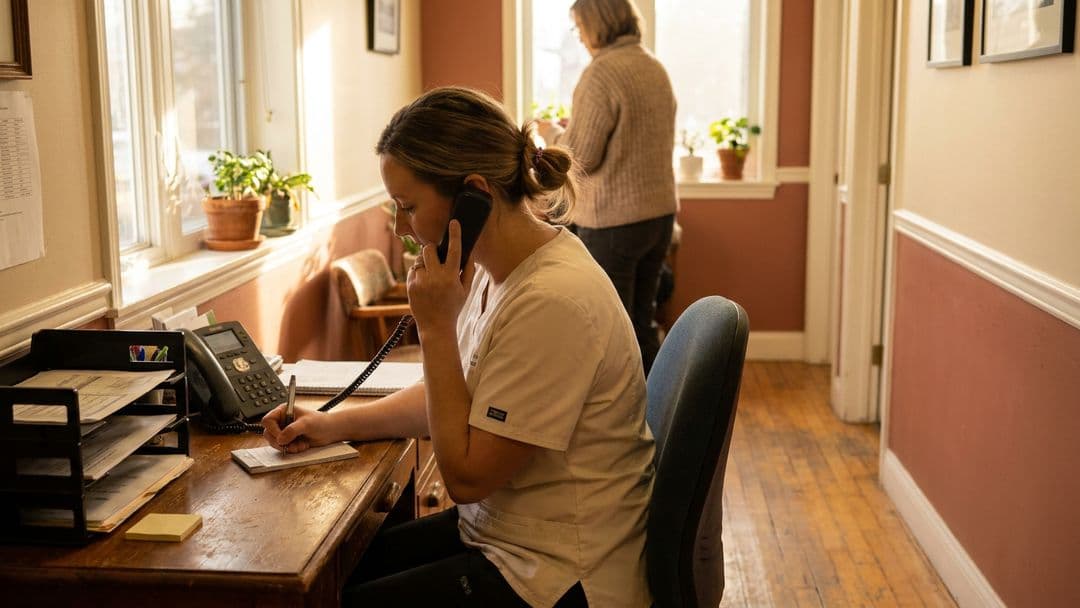
“I’m almost out of my nausea medicine”
- What happens
- Friday afternoon, a patient in the middle of treatment calls because her anti-nausea prescription runs out over the weekend.
- When nobody answers
- The voicemail waits until Monday, and she spends the weekend trying to reach someone.
- With Medman
- Medman notes the medication as she names it and when she runs out, and marks it Important, so your team sees it before they leave for the weekend.
- What it never does
- Comments on a side effect or says whether a symptom is expected. A caller with a fever or feeling very unwell is told to contact a clinician right away, or 911 in an emergency.
 Existing patient
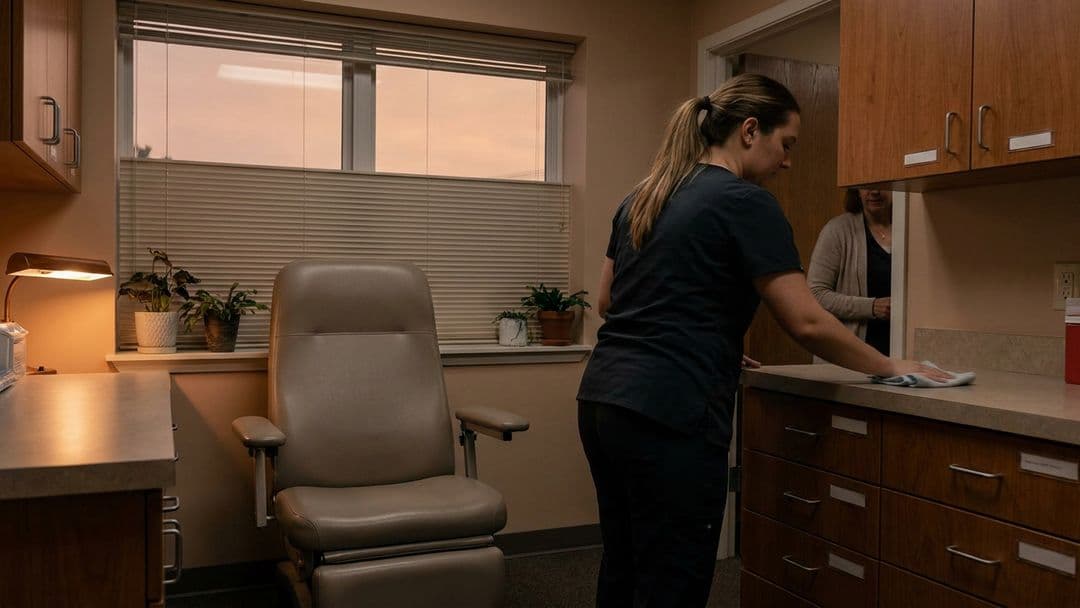
“My infusion is tomorrow and nobody drew my labs”
- What happens
- Late afternoon, a patient realizes the labs ordered before tomorrow’s infusion were never drawn.
- When nobody answers
- The message waits until morning, the labs aren’t back in time, and her chair sits empty.
- With Medman
- Medman notes the infusion time and what she was told, and marks it Urgent. Your team taps Urgent before closing and can set up the lab draw first thing.
- What it never does
- Says whether a treatment can go ahead.
A weekend of calls, sorted before Monday.
Watch the AI receptionist answer a practice's weekend calls, write each one up and put the urgent one first.
It knows the words your callers use, and writes them down as said.
Callers don't have to translate “my knee gave out” into a category. The write-up keeps their words, so your team reads what the patient actually said.
Treatment
- chemo
- infusion
- immunotherapy
- radiation
- port
- port flush
- cycle
- Keytruda
Tests
- labs
- blood work
- CBC
- PET scan
- CT scan
- tumor markers
- biopsy
Visits
- new patient consult
- second opinion
- follow-up
- survivorship visit
- telehealth
Support
- nausea medicine
- nurse navigator
- financial counselor
- social worker
- home health
The calls that can't wait are at the top of the list.
Each answered call is written up and marked Urgent, Important, Normal or Low by what the caller needs. Your team calls back Urgent and Important first, then works down the rest.
- Each write-up says what the caller asked for and suggests a next step, with the transcript lines it came from
- Resolve a call when it's handled
What callers ask · how it might be marked
- Labs not drawn before tomorrow’s infusionUrgent
- Nausea medicine runs out this weekendImportant
- Can I move my scan to next week?Normal
- New patient referral from my surgeonNormal
- Where do I park for the infusion center?Low
Priorities are suggestions from the write-up, not a clinical judgement. Your team decides, and it is not an emergency line.
What it handles, and what stays with your team.
It handles
- Answering every callOn your practice number, with your greeting and voice, nights and weekends included
- Booking, with your EHR connectedPatients book, reschedule and cancel right on the call
- Oncology intakeThe referral, treatment and scan dates, the medication as named, and the deadlines callers give
- Treatment and scheduling apartKeeps schedule changes, treatment questions and refills apart, so each reaches the right person
- Marking the callbacksUrgent, Important, Normal or Low, with the transcript lines each write-up came from
- Call transfersWhen a caller asks for a person, it rings the number you choose during your transfer hours; otherwise it takes a message
Your team handles
- Anything clinicalAssessing a symptom or side effect, and any treatment advice
- ResultsSharing and explaining scans, labs and pathology
- Treatment decisionsWhether a treatment goes ahead, refills and prior authorizations
- EmergenciesIt is not an emergency line: callers with an emergency are told to call 911
Before it takes real patient calls, you'll complete practice setup inside the app.
Medical-practice setup and agreements are required before patient calls. Use fictional details for testing.
Patients book, reschedule and cancel right on the call.
Connect the EHR you already use and visits go straight onto your schedule. It books into AdvancedMD, DrChrono, Tebra, Practice Fusion, athenahealth, ModMed, eClinicalWorks and more. You don't need one to start: it answers your calls today, and your team books from the write-up.







A missed call is often a patient who books somewhere else.
50%
of patients have given up on a call because no one picked up or the hold was too long
MGMA 2025
69%
will switch providers if communication falls short of expectations
Artera 2025
Free to start. Pick a plan when you need more minutes.
Free
15 AI minutes a month, no card needed.
FreeEssentials
100 AI minutes a month.
$29.99 / monthPlus
300 AI minutes a month.
$99 / monthPro
600 AI minutes a month.
$199 / monthOnly Pro buys extra minutes, at $0.30 each; on the other plans you move up a plan. No annual contract.
See all pricingThe call is the start. Medman carries the rest.
When a caller’s coverage needs checking, the receptionist hands it to Medman’s eligibility agent. Referrals, pathology reports and pharmacy faxes go to inbox triage. Your staff work one queue, and approve every final step.
See how Medman works →What should an oncology practice look for in an AI receptionist?
Four things. It should recognize oncology calls (new referrals, infusion and lab scheduling, scan dates and refills) and take down what each needs. It should book visits straight into your EHR. It should never assess a symptom or a side effect. And you should be able to test it yourself before a patient calls. Medman’s AI receptionist does all four, and is free to start.
Can an AI receptionist schedule oncology appointments?
Yes. With your EHR connected, patients book, reschedule and cancel right on the call. It books into AdvancedMD, DrChrono, Tebra, Practice Fusion, athenahealth, ModMed, eClinicalWorks and more. Without a connected EHR it takes the request and a callback number, and your team books the visit.
What happens when a patient in treatment calls with a fever?
It tells them to contact a clinician right away, or call 911 in an emergency, and marks the call for your team. It never says whether a symptom is expected or can wait.
How does it talk to someone who was just diagnosed?
Calmly and briefly. It asks one question at a time, takes the referral and the caller’s questions, and books the first visit. Anything about the diagnosis or treatment is left for your team.
How is it different from an answering service?
An answering service takes a message for the morning. The AI receptionist answers every call on your number, answers routine questions from details you have reviewed, books into your EHR, and writes up each call with a suggested priority and the transcript lines it came from. You set it up and test it yourself, in minutes.
What about HIPAA and patient information?
Medman is built for HIPAA, and we sign a Business Associate Agreement before any patient data moves. Medical-practice setup and agreements are required before patient calls. During setup it only looks up public practice information, never patient information.
What does it cost?
Free to start, no card needed: 15 AI minutes a month. Paid plans: Essentials $29.99 a month for 100 minutes, Plus $99 a month for 300 minutes, Pro $199 a month for 600 minutes. Only Pro buys extra minutes, at $0.30 each; on the other plans you move up a plan. No annual contract. It currently answers in English.
Set up your receptionist for oncology calls, and test it before a patient calls.
Free to start, no card needed. Set it up in minutes, make a test call, and forward your number when you're ready.