Your first day in Medman
Medman opens on Home: what needs your attention today, across every agent.
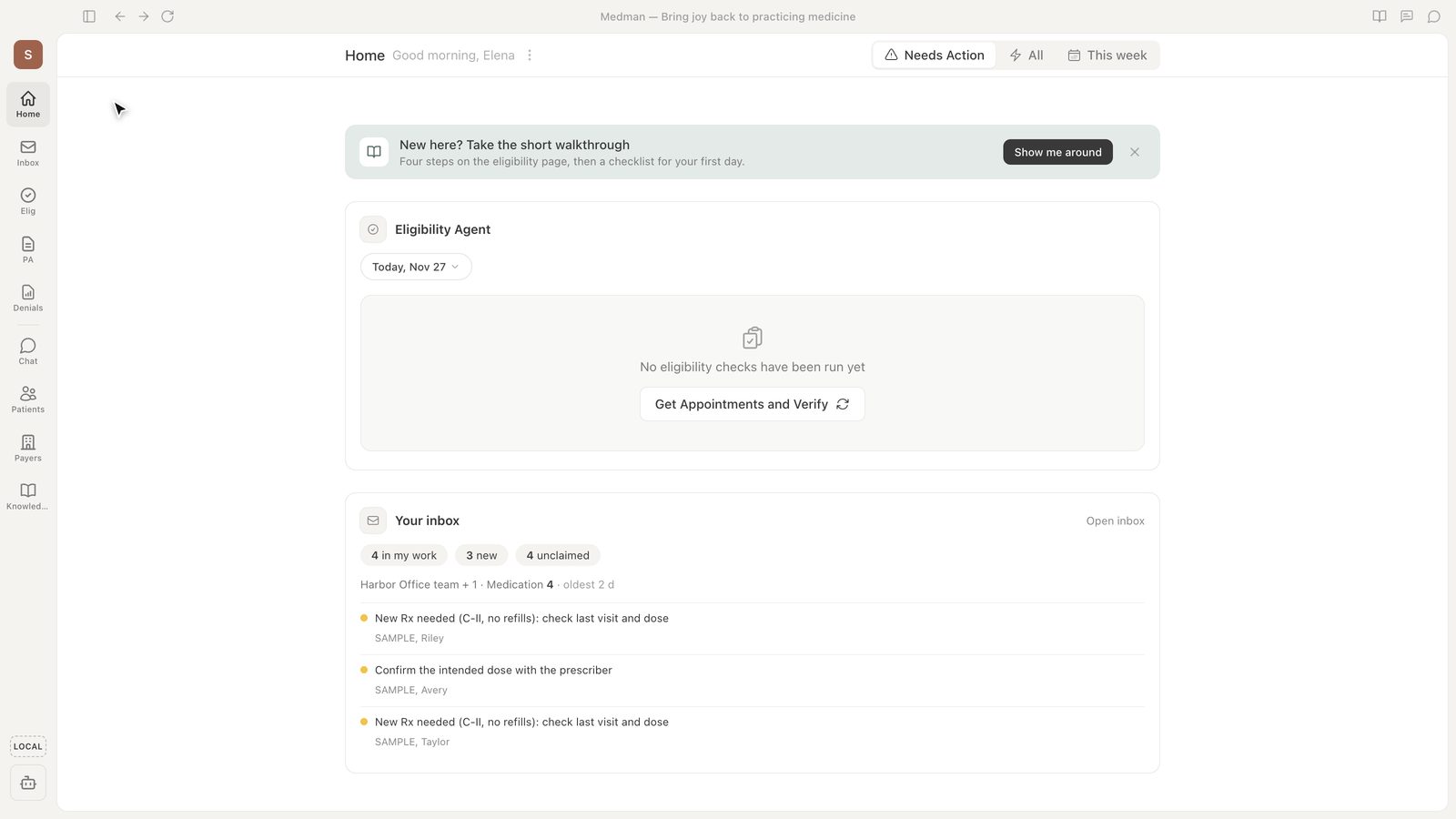
Home
- Needs Action lists what is waiting for a person: refills to authorize, prior auths pending, items to review.
- All shows everything, handled or not.
- This week shows the week in numbers: what came in, what got done and what is still waiting.
The walkthrough
The first time you open Medman, a banner offers Show me around: four steps on the eligibility page, then a checklist for your first day. You can close it and come back to it later from Home.
Next
Open Inbox in the sidebar. If your practice uses inbox queues, start with Your first day with queues.