Inbox queues: who sees what
Availability: Practices with inbox queues.
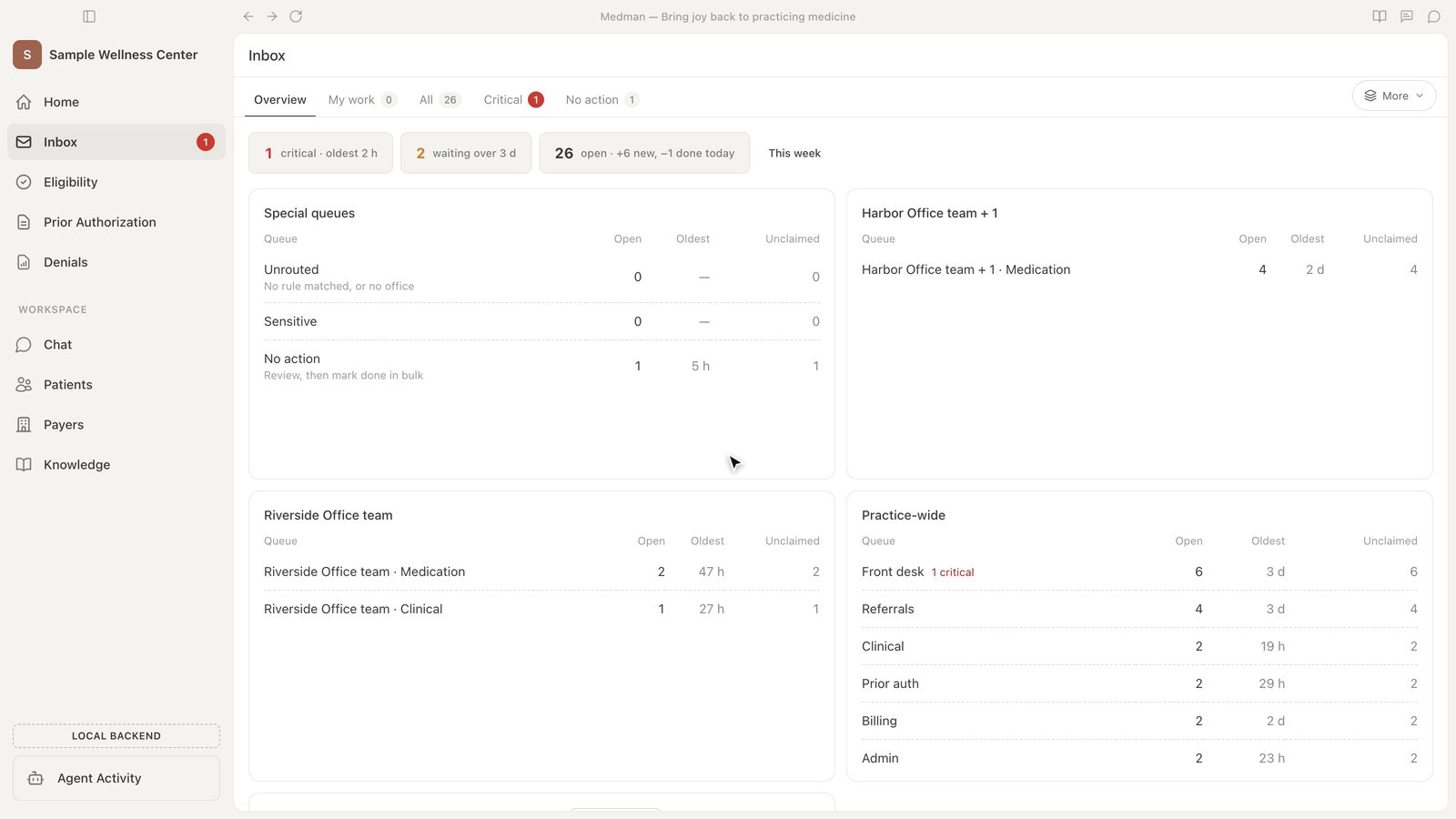
Inbox queues split one practice-wide inbox into the work each person owns. A queue is one kind of work (front desk, referrals, medication, clinical, prior auth, billing, admin) at one location, or at every location.
Roles
| Role | Sees |
|---|---|
| Staff | My work, their own queues as tabs, and anything critical in them. |
| Inbox manager | Everything staff see, plus the Overview, All, the Critical tab, every queue and the inbox settings. |
Before and after
Until a practice turns queues on, everyone works one shared inbox. Turning queues on moves each person to their own work. Nothing changes for staff until an inbox manager turns them on.
Set it up
Set up your queues, then turn them on. About ten minutes.