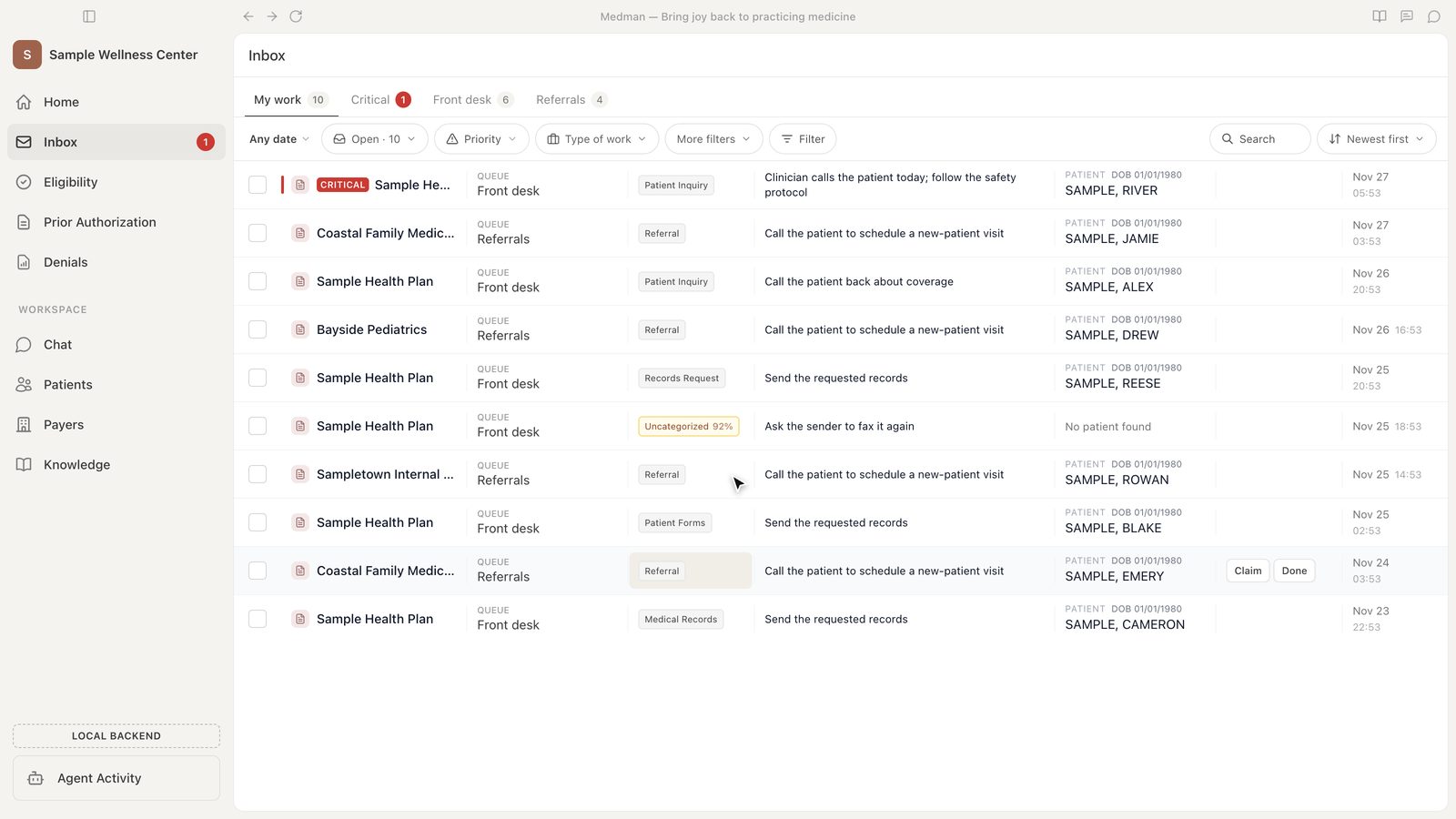
Plan work for new people
Availability: Inbox managers.
Sample practice and sample patients. Captions are on by default.
Someone new is joining, or has not opened Medman yet. Plan their work now so it is ready the moment they sign in.
Plan their work
- Go to Settings › Inbox queues › Your staff.
- Under Waiting to sign in, find the person and click Plan work.
- Pick their role, the work they do and the locations they cover. Click Done.
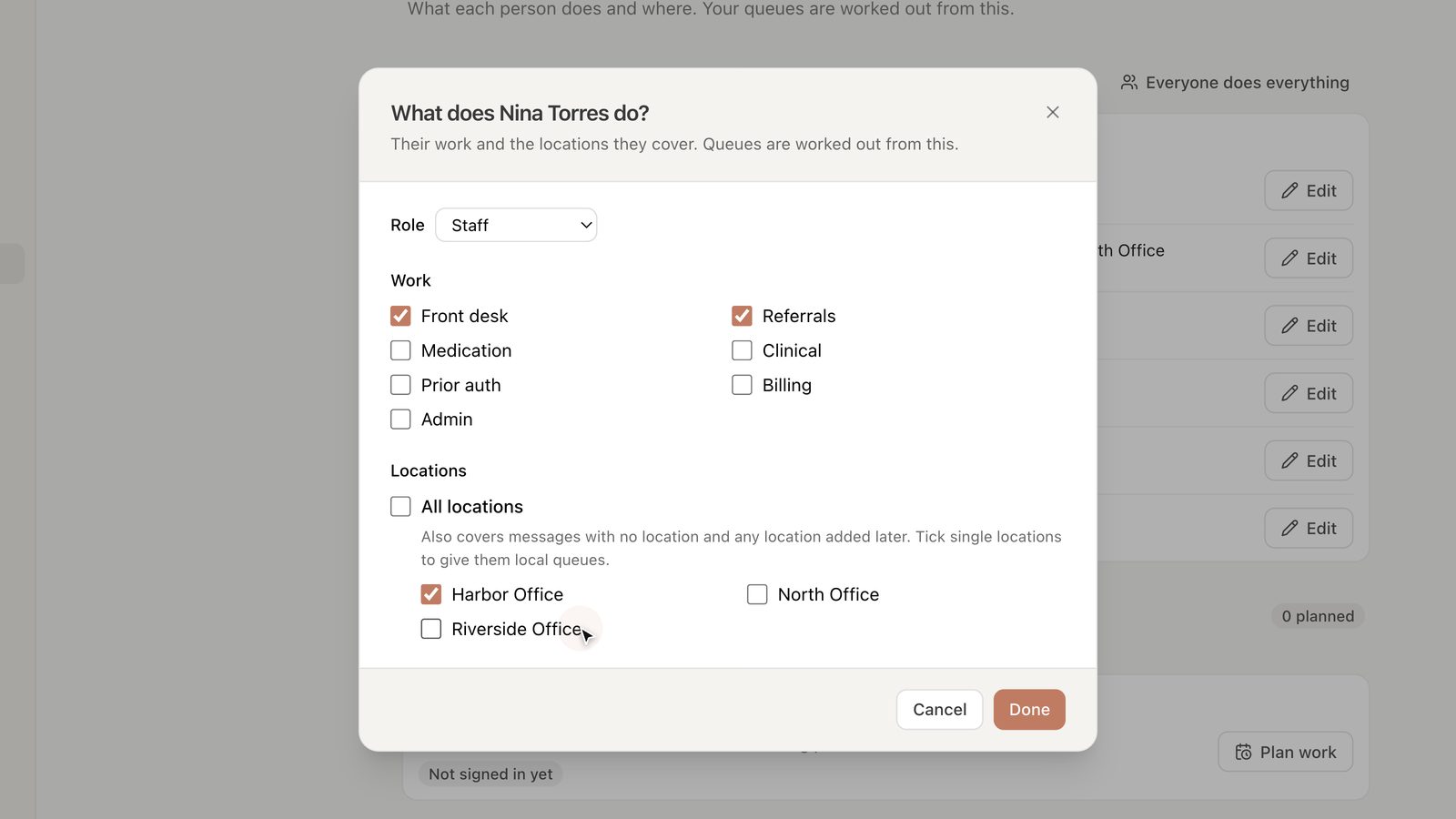
Their row now says Waiting to sign in. On Review, the queues they will join say 1 waiting to sign in.
Change or remove a plan
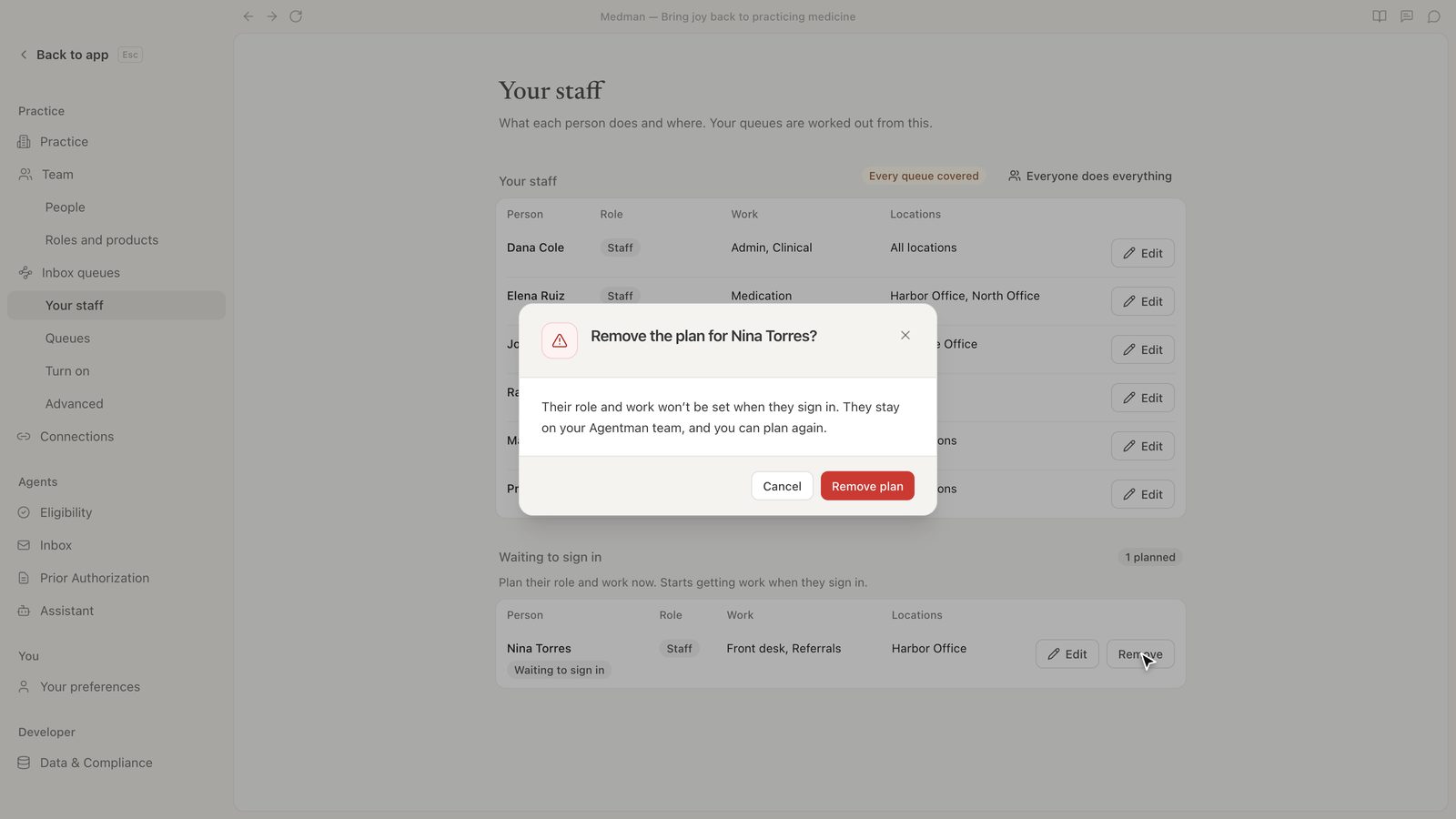
Edit changes the plan. Remove takes it away; they stay on your Agentman team and you can plan again.
Their first sign-in
When they sign in for the first time, the plan applies on its own: their queues are there as tabs. No extra step for you or for them.