Run the day as inbox manager
Sample practice and sample patients. Captions are on by default.
As inbox manager, you keep the whole practice's inbox moving.
Overview
Overview shows what needs attention: anything critical, anything waiting more than 3 days and what is open today. Below, each queue shows how much is open, the oldest item and how much is unclaimed.
Critical first
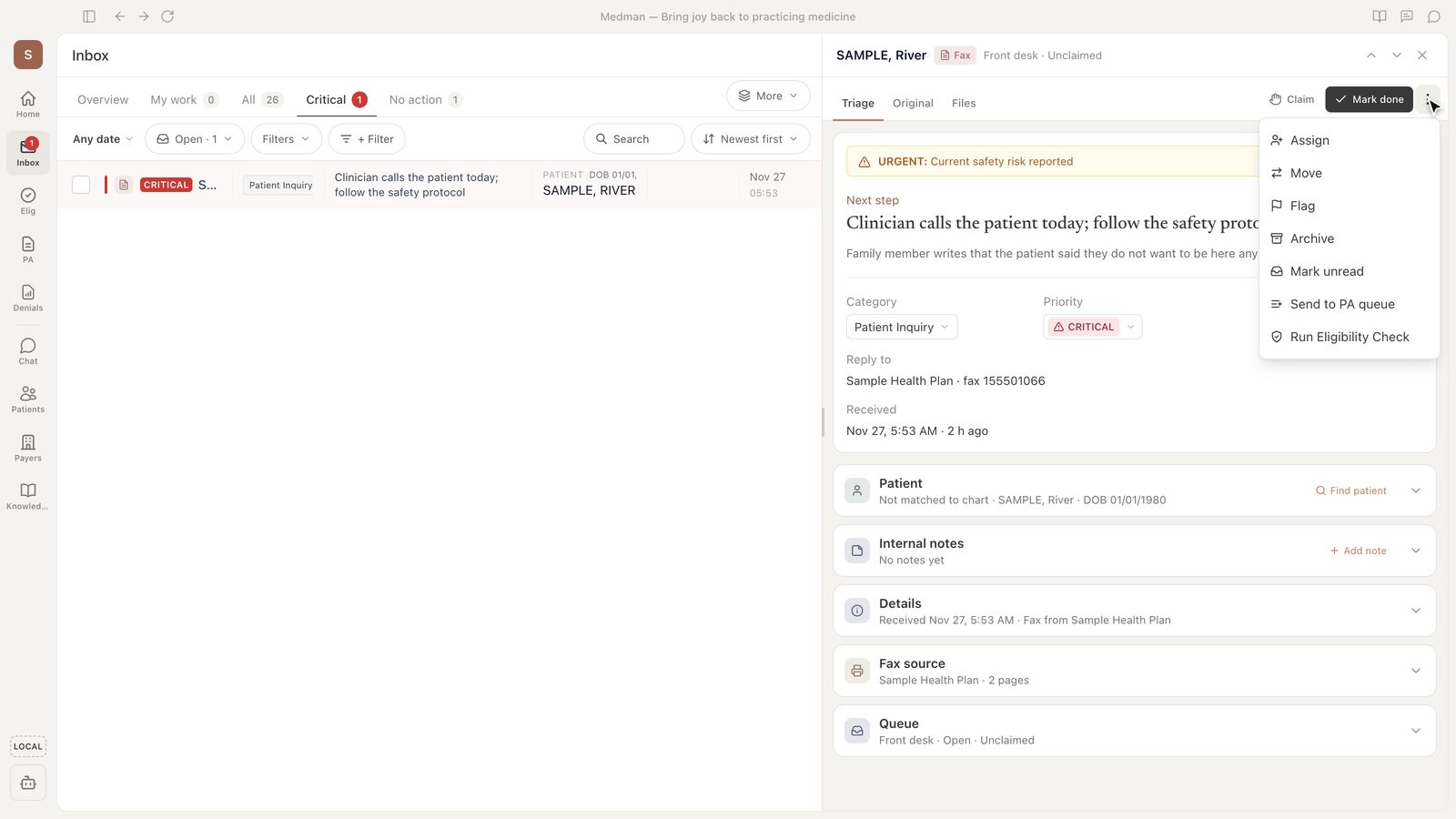
Open the Critical tab every morning. Each item says why it is urgent and what to do.
Hand work on
Open an item, then ⋯: Assign gives it to a person; Move sends it to another queue if it landed in the wrong one.
My work and All
My work holds what you have claimed. All shows every open item across the practice.
This week
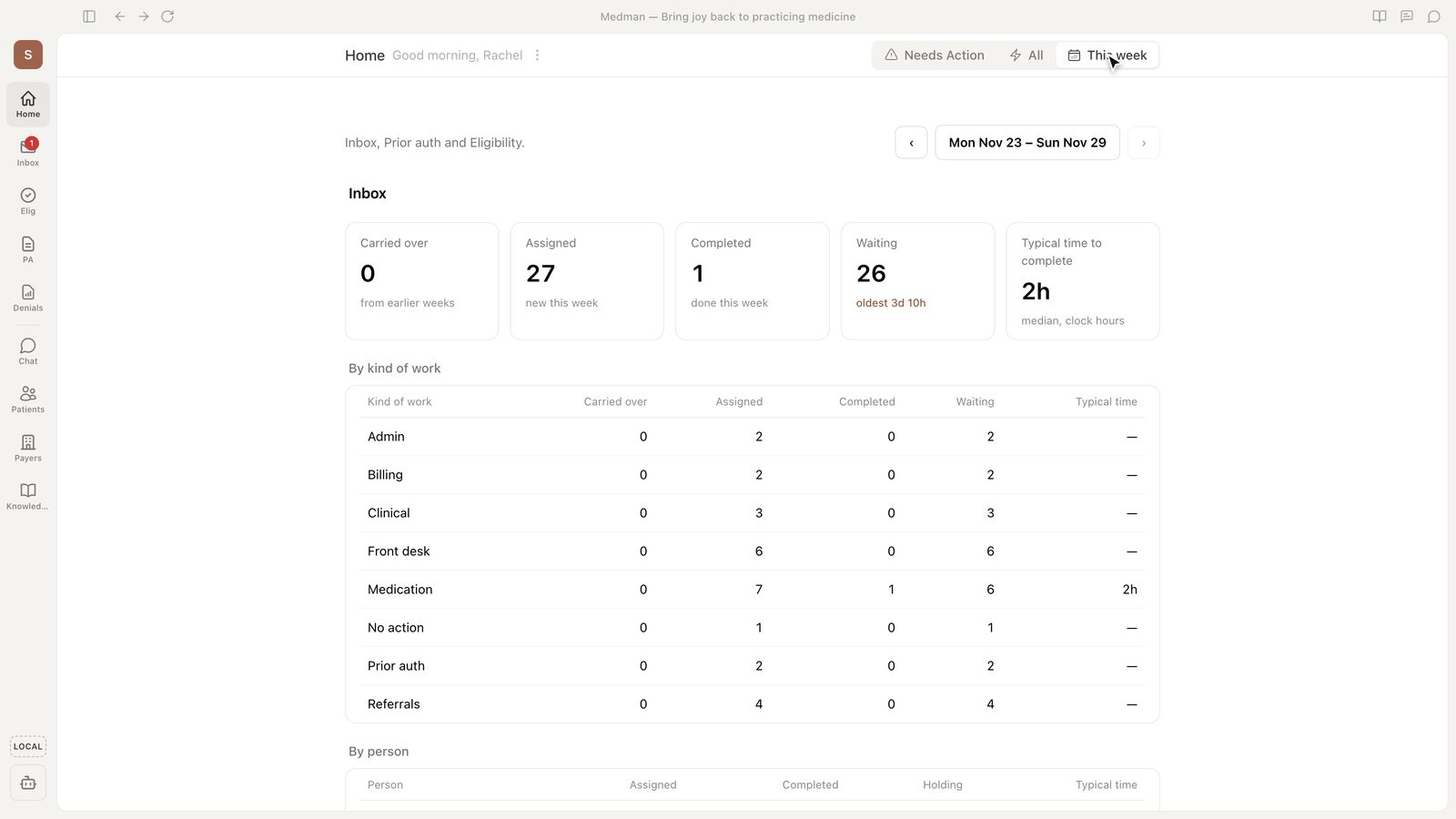
On Home › This week: the week in numbers, by kind of work and by person.
Change who works what
Go to Settings › Inbox queues › Your staff, change someone's work, click Review and build, then Save changes. Staff see the change right away.